


Frequently Asked Questions about Used Cars with Apple CarPlay in Tulsa, OK
Can I find Apple CarPlay in pre-owned Mazda models?
Yes, many pre-owned Mazda vehicles in our current inventory feature Apple CarPlay. This technology allows you to integrate your iPhone directly with the car's infotainment system, providing seamless access to navigation, music, and messaging.
Which Mazda models typically include this feature?
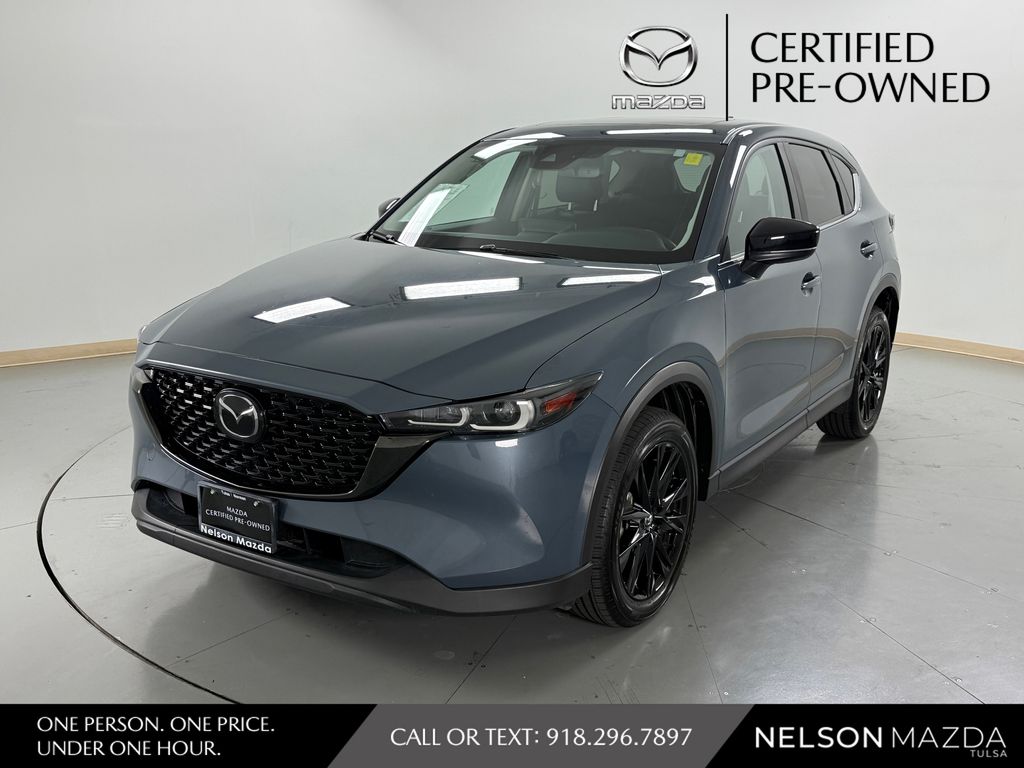
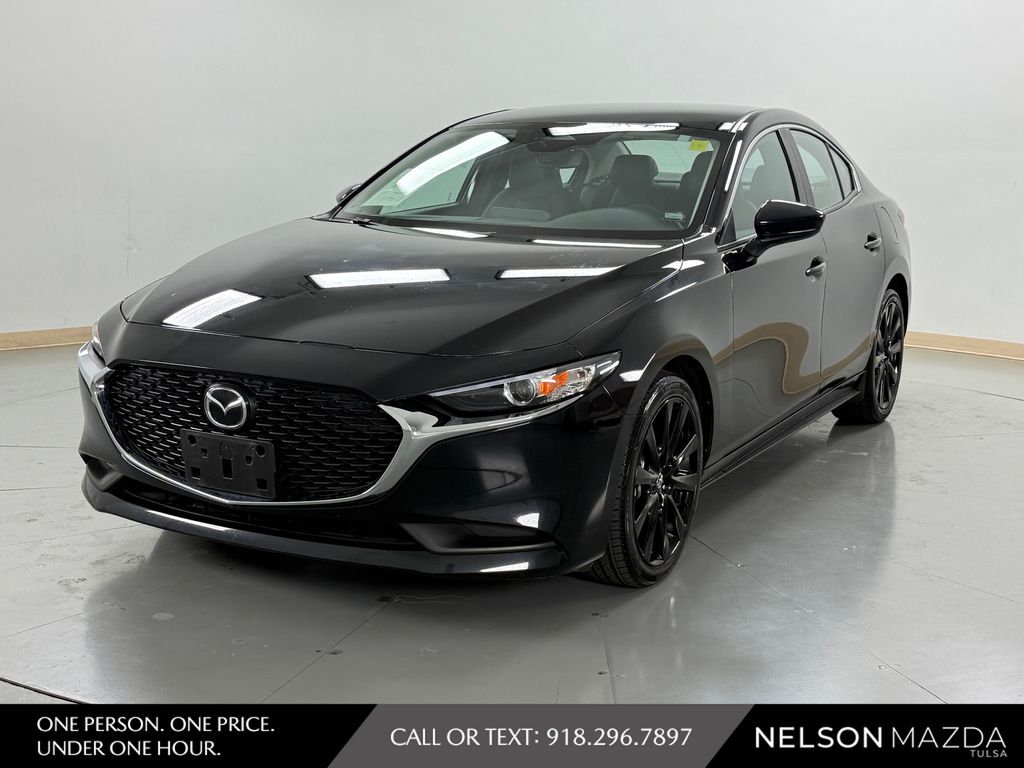
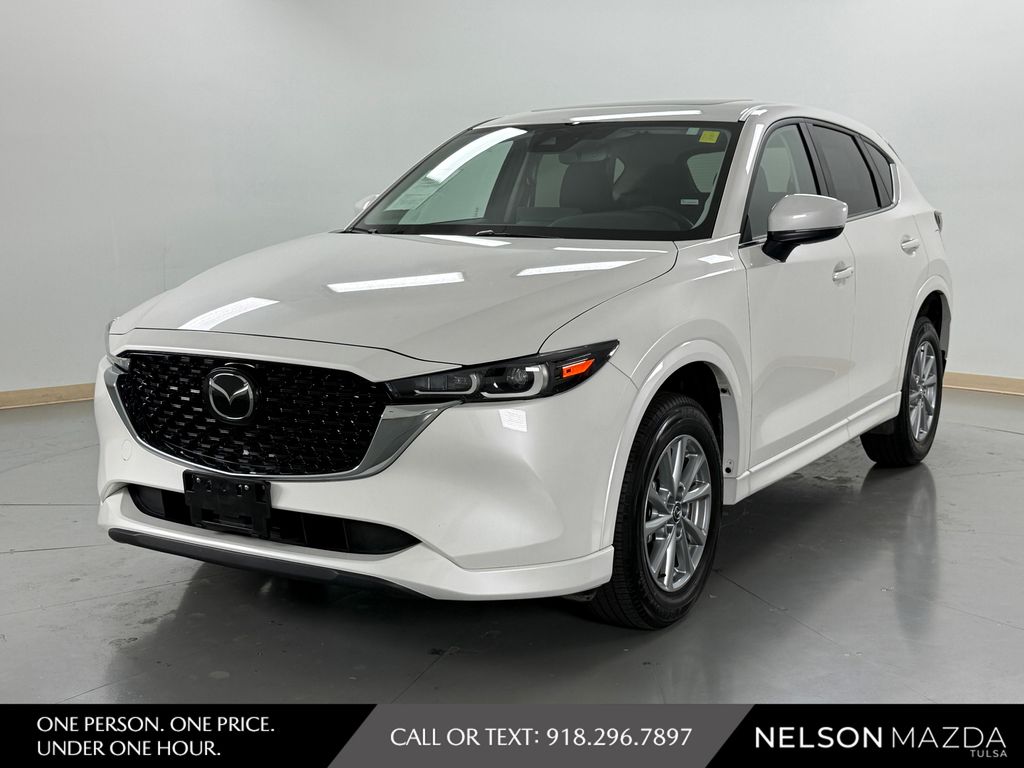
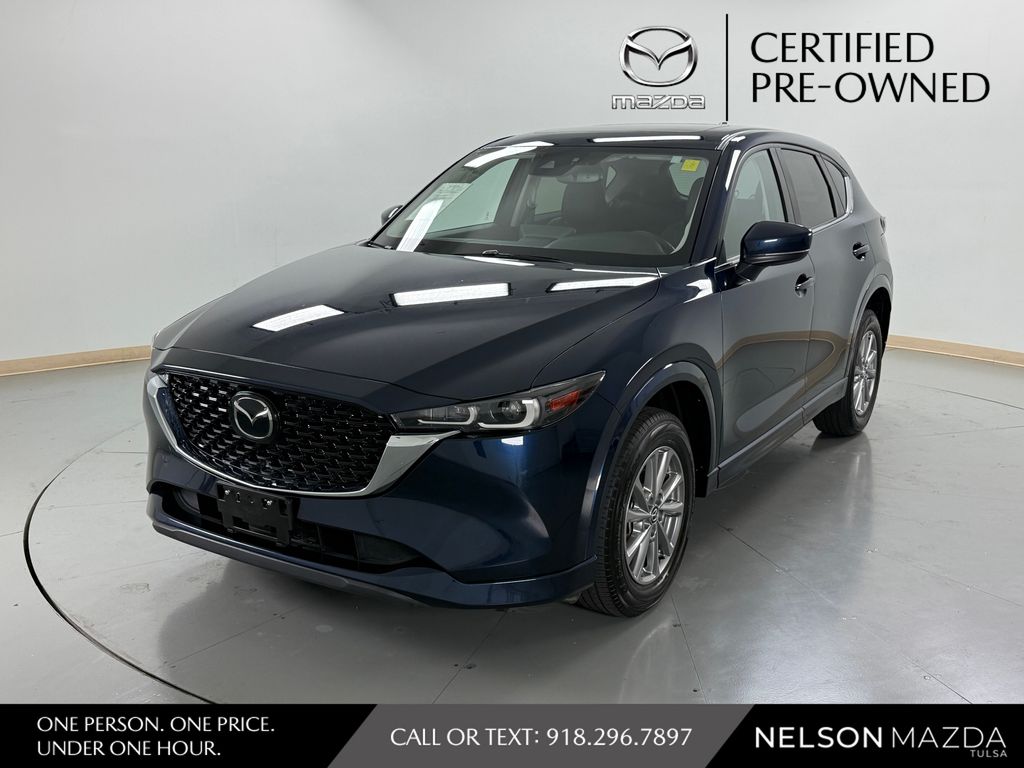
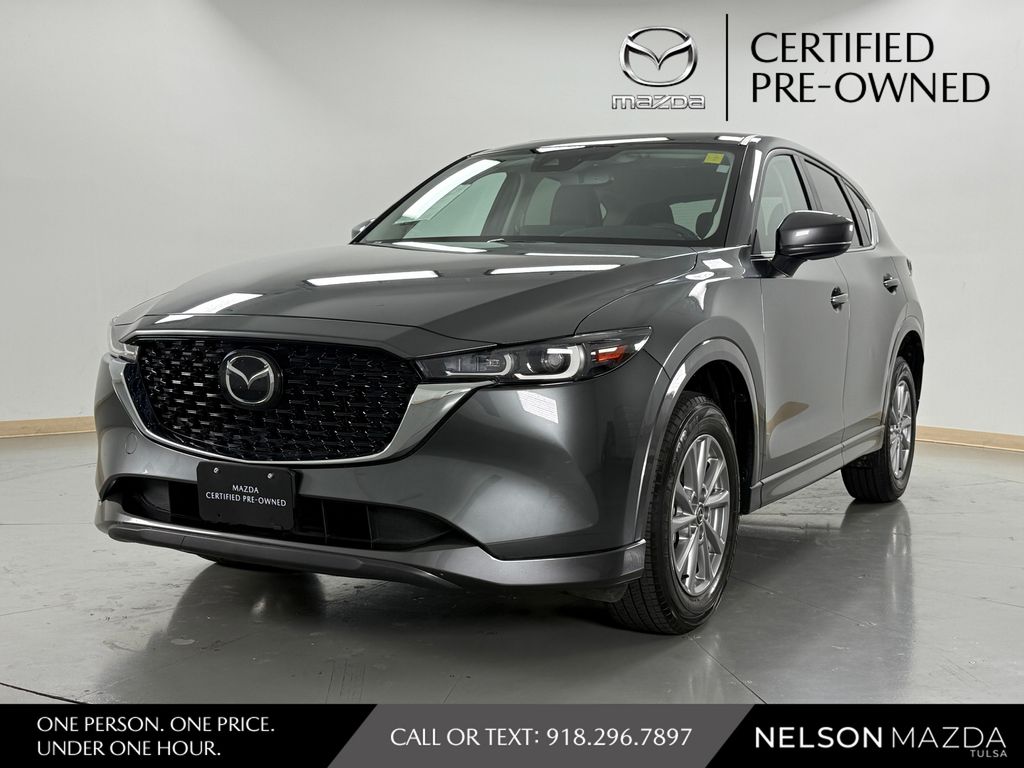
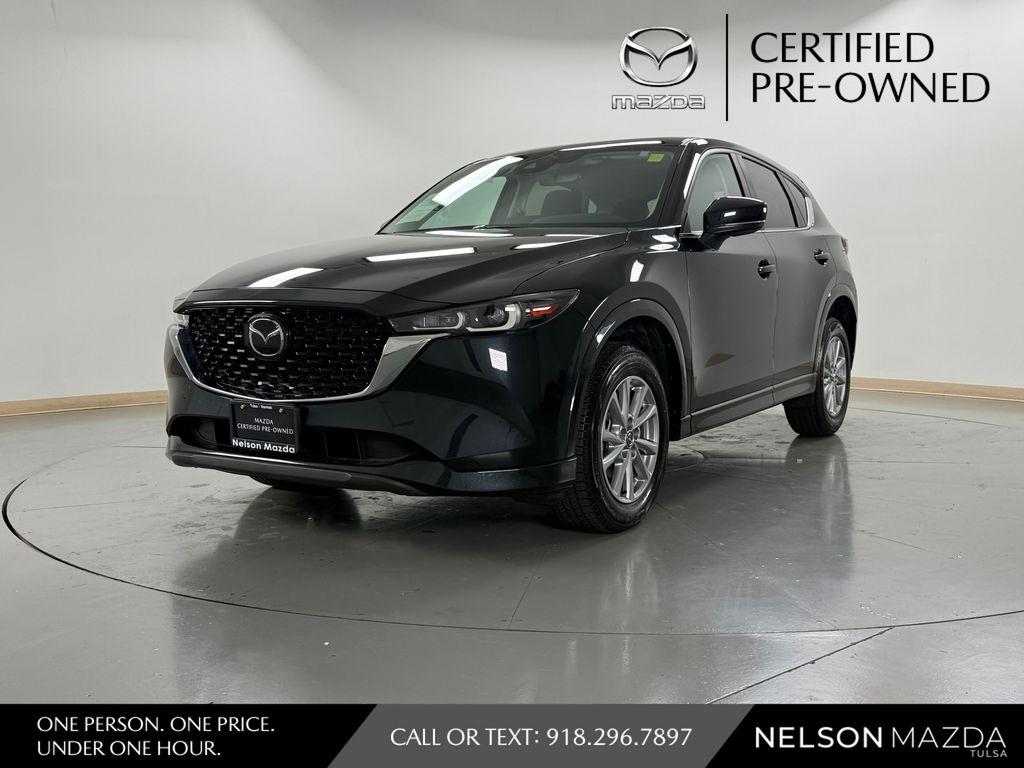
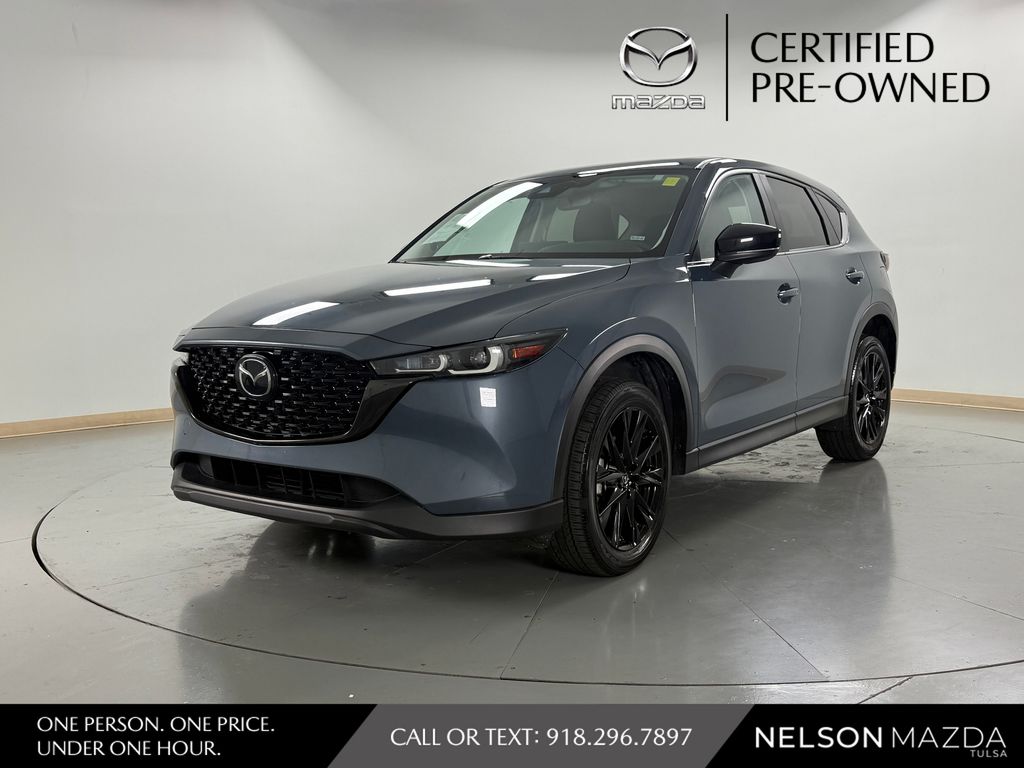
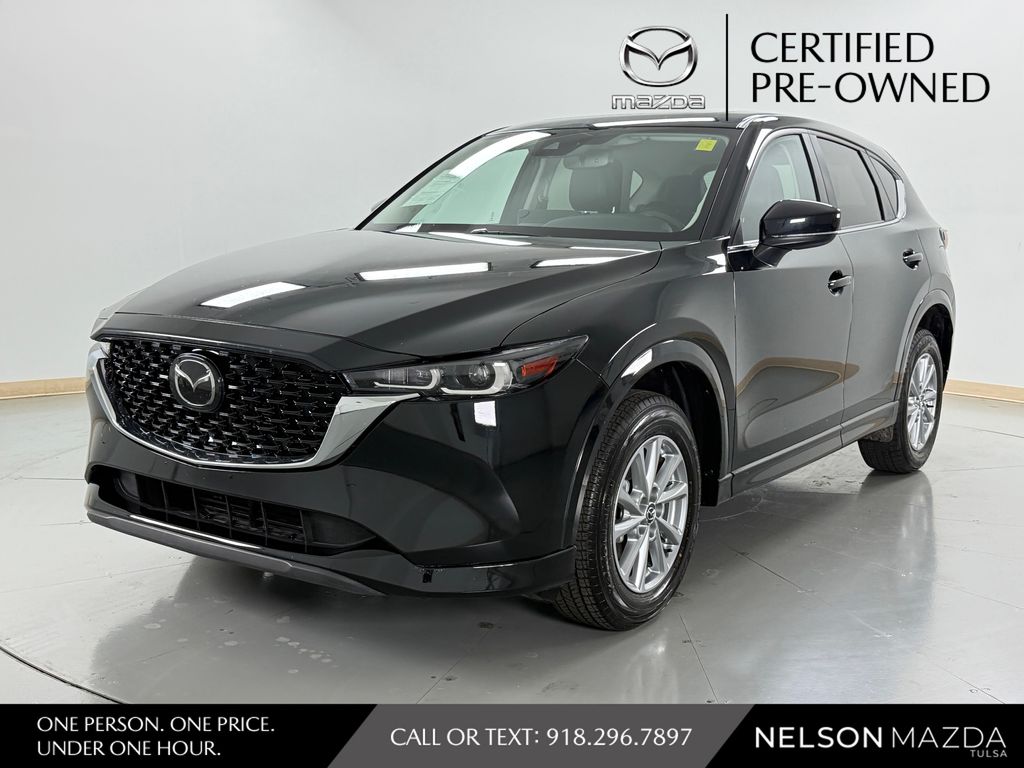
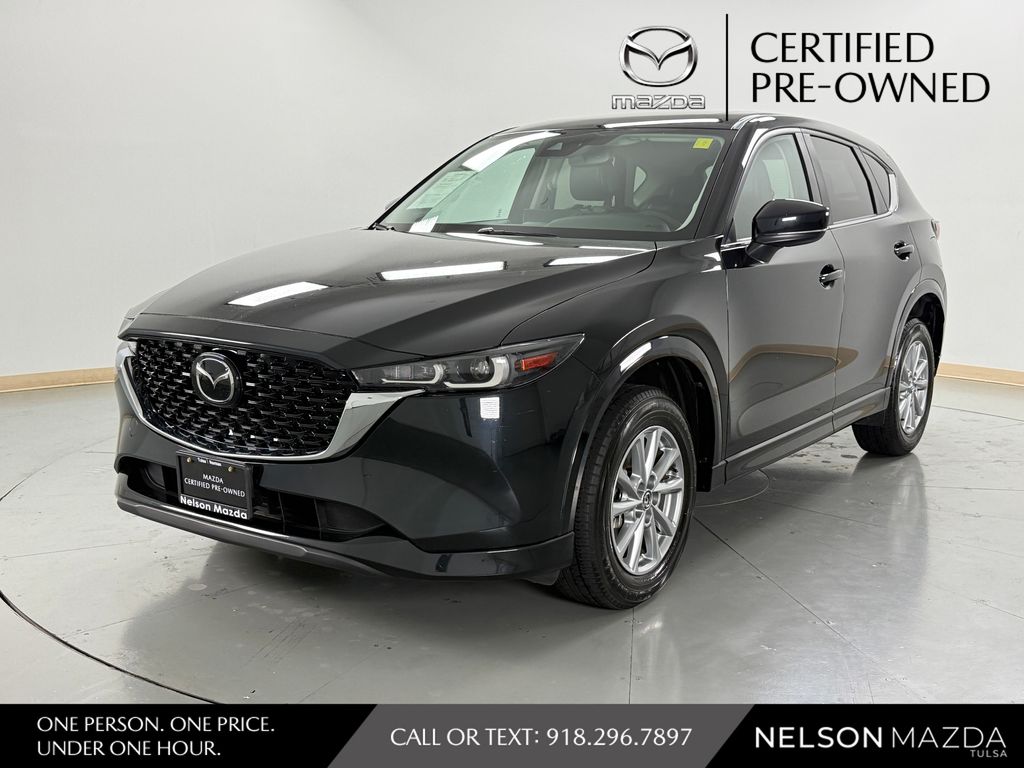
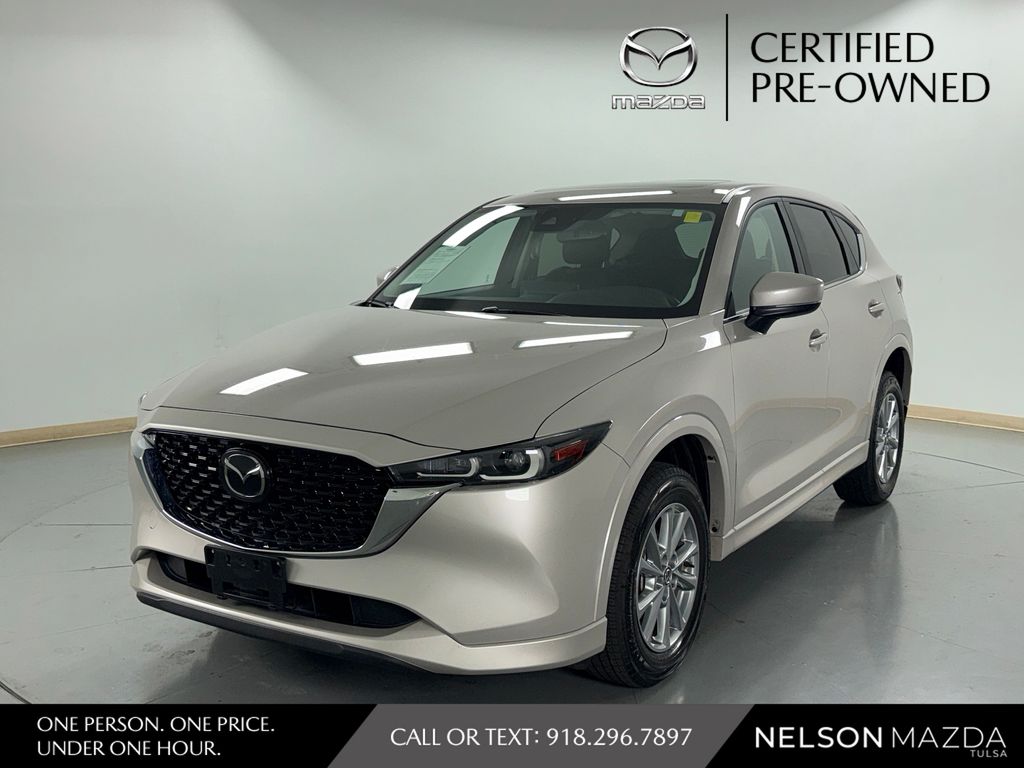
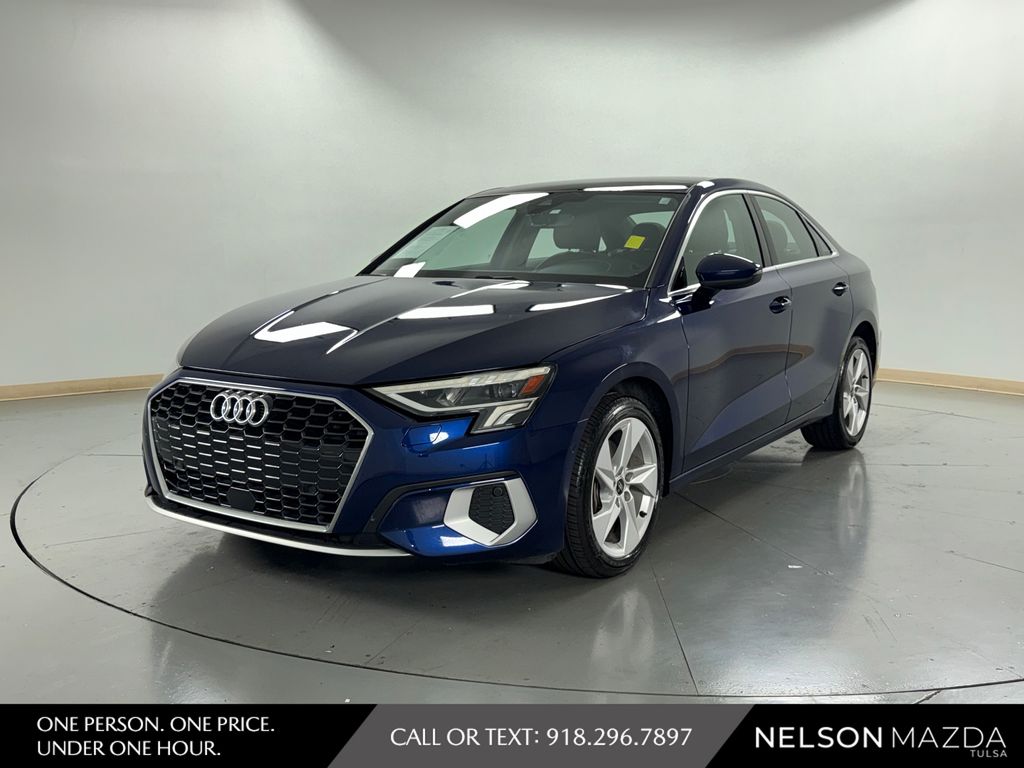
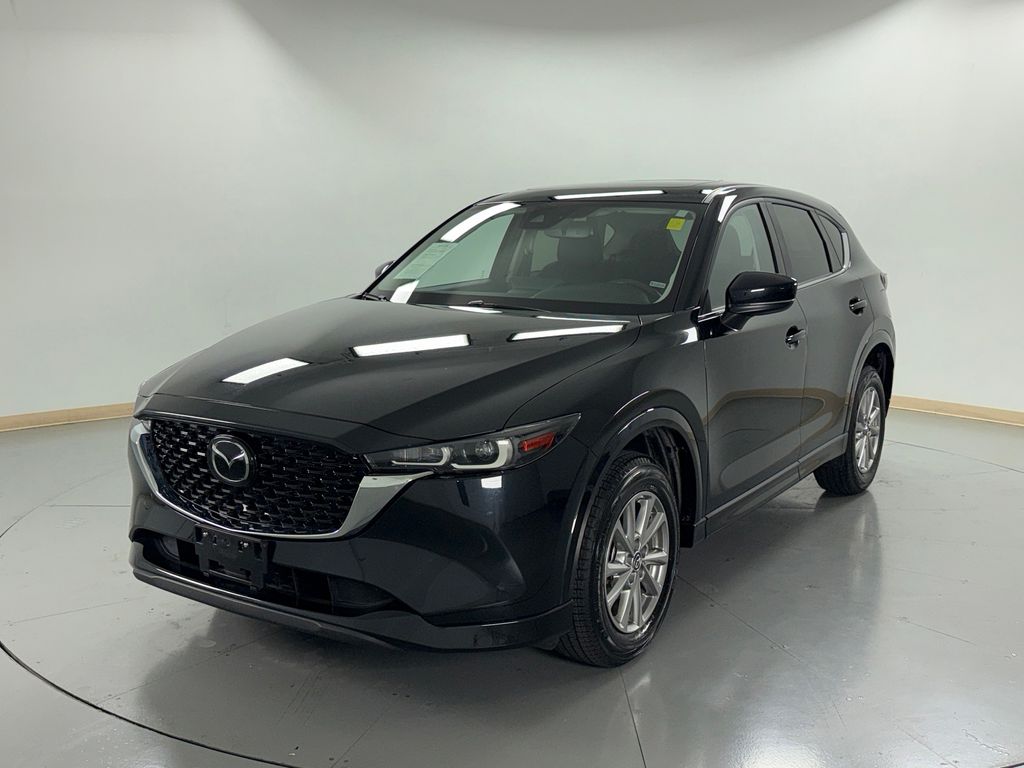
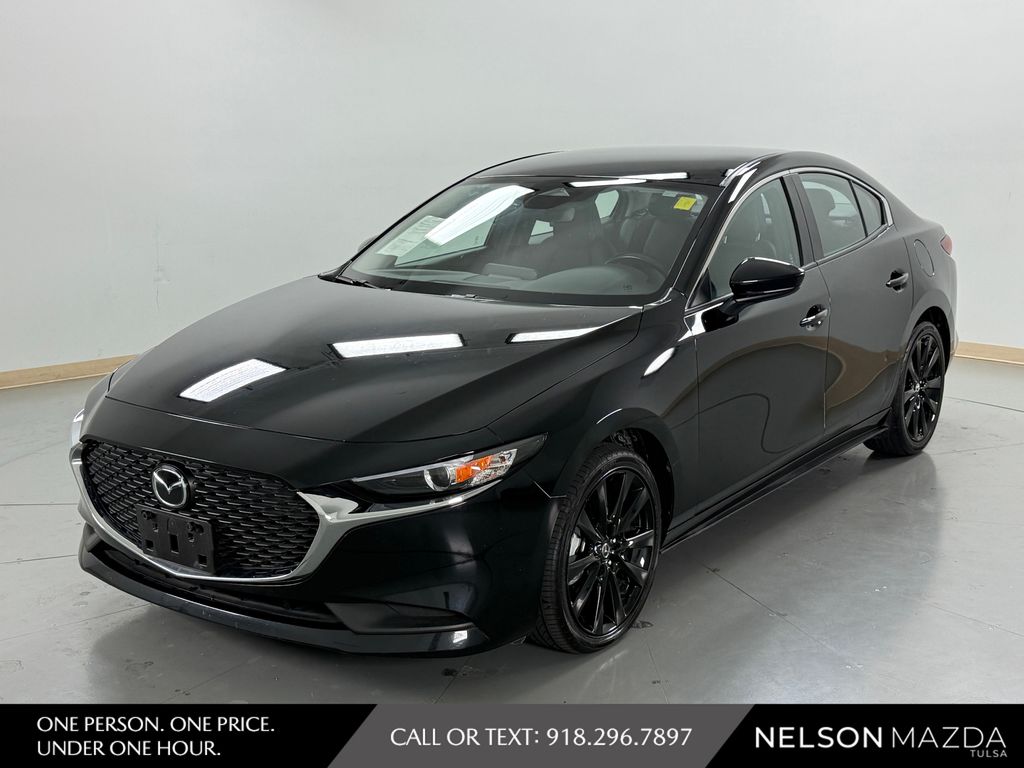
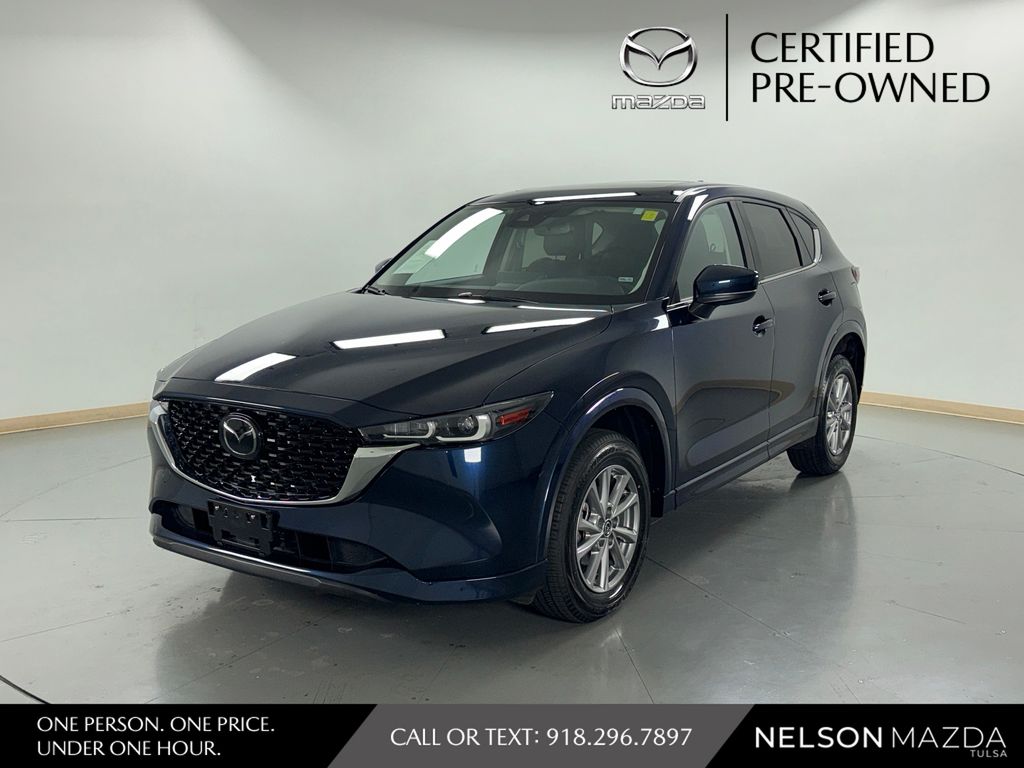
You can find this connectivity across a wide range of our used inventory, including the Mazda CX-5, CX-30, and MAZDA3. We recommend checking our current inventory to see which specific pre-owned vehicles are equipped with this feature.
How do I verify if a specific used car has this feature?
You can review the detailed feature list on each vehicle page on our website. If you have questions about a specific model, feel free to contact Nelson Mazda Tulsa to confirm the equipment before you visit.
Is it difficult to set up my phone once I purchase the vehicle?
Setting up your smartphone is generally straightforward. Once you pair your device, the system will recognize it each time you enter the vehicle, allowing you to use your preferred apps without needing to touch your phone while driving.
Does this feature work with all iPhone models?
Apple CarPlay is compatible with most modern iPhones. If you are concerned about your specific device, we suggest bringing your phone with you when you schedule a test drive at Nelson Mazda Tulsa to ensure a perfect connection.
Have Additional Questions?
Use your visit to compare Mazda options by seating position, cargo access, visibility, and the way each option fits your normal driving in Tulsa, OK.
Check our used vehicle inventory to see what is currently available on our lot.
If you need help with trade-in values or financing options, please contact Nelson Mazda Tulsa today.
Why Smartphone Integration Matters for Tulsa Drivers
Living and driving in Tulsa means you need a vehicle that keeps you connected without creating distractions. Whether you are navigating the morning rush on I-244 or planning a weekend excursion to Anderson Park, having your navigation and music directly on the vehicle display simplifies your drive.
Using your phone for directions or music can be cumbersome and potentially dangerous. With Apple CarPlay, your essential apps are projected onto the dashboard, allowing you to focus on the road while staying informed about traffic or your next turn.
- Hands-free messaging and calls help you keep your attention on the road during busy commutes through Tulsa corridors.
- Real-time navigation updates ensure you arrive at your destination efficiently, even when traffic patterns shift on US-64 or US-412.
- Voice control integration allows you to adjust your playlist or respond to texts without taking your hands off the steering wheel.
When you visit Nelson Mazda Tulsa, you can test how these controls interact with your specific device and seating position. Ensuring the screen is easy to reach and the voice recognition understands your commands is a vital part of your test drive experience.
Before you commit to a purchase, consider how often you use your phone for navigation versus audio streaming. This helps you narrow down which used Mazda models, such as the CX-50 or the MAZDA3 Hatchback, offer the best screen size and interface for your needs.
Types of Used Vehicles Offering Advanced Connectivity
Our selection includes a variety of pre-owned models that incorporate this technology, ranging from agile sedans to versatile SUVs. If you frequent the 1600 Shopping Center, you might appreciate how the compact dimensions of a MAZDA3 Sedan make parking simple while the advanced display handles your errands list.
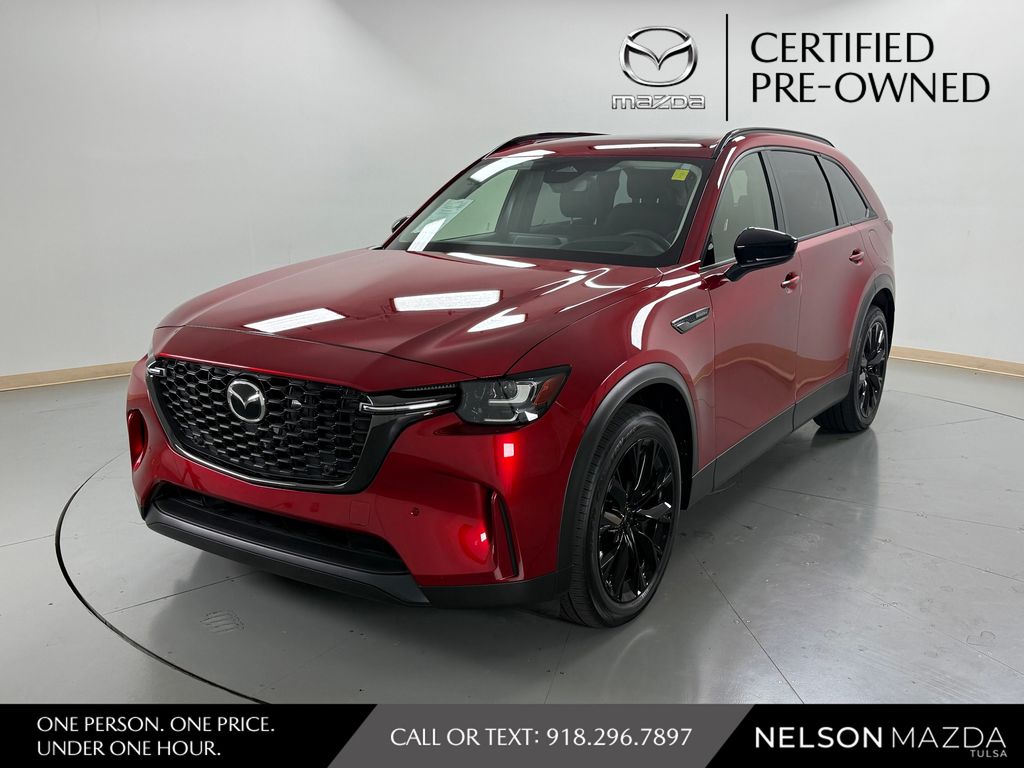
For those who carry weekend gear or family passengers, models like the CX-90 or the CX-50 Hybrid provide both the space you need and the tech you expect. These vehicles are designed to balance interior comfort with modern connectivity, making them well-suited for long highway stretches.
- Compact sedans and hatchbacks like the MAZDA3 are ideal for urban commuters who prioritize parking ease and quick maneuverability.
- Midsize and large crossovers such as the CX-70 or CX-90 offer extra room for passengers and cargo, perfect for airport runs to Tulsa International Airport.
- Hybrid and plug-in hybrid options provide a modern driving experience, often paired with the latest infotainment and connectivity suites for maximum efficiency.
When comparing different body styles, consider how the seating height affects your view of the infotainment screen. A higher SUV seating position can change your perspective on the display compared to the lower, sportier feel of an MX-5 Miata RF.
We encourage you to visit our showroom to sit in a few different models. Seeing how the technology is integrated into the dashboard will help you decide which layout feels most intuitive for your daily routine.
How to Compare Feature-Equipped Options
When shopping for a used vehicle, it is easy to focus solely on the exterior condition or mileage. However, evaluating the infotainment system is just as important for your long-term satisfaction. We suggest you get financing information early so you can focus on finding the right feature set within your budget.
Not all connectivity systems are identical. Some older pre-owned models may require a wired connection for your phone, while newer ones might support wireless integration. Understanding these differences helps you make a choice that fits your daily habits.
- Check if the vehicle requires a USB cable for connection, as this influences your need for charging cables and cable management.
- Look for steering wheel-mounted controls that allow you to skip tracks or activate voice commands without reaching for the screen.
- Compare the screen size across different models, as a larger display can make navigating maps much easier during long drives.
Think about how you will use the vehicle during different seasons in Tulsa. During the peak of summer, you want a system that is responsive even when the cabin is warming up, and in winter, you want controls that are easy to operate while wearing gloves.
If you have a specific phone model, bring it with you to confirm it connects seamlessly. A quick test during your visit can save you time and ensure you feel confident in your decision before you finalize any paperwork.
Practical Checklist for Your Test Drive
Once you have identified a few models at Nelson Mazda Tulsa, your test drive is the best time to verify that the technology works for you. Start by pairing your phone as soon as you get into the vehicle to see how quickly the system recognizes your device.
Test the audio quality and the responsiveness of the touch interface while the vehicle is idling. You should also check if the system allows you to easily switch between your navigation app and your music library, as this is a common task during daily commutes.
- Test the voice command system to ensure it accurately interprets your requests for directions or phone calls.
- Check the brightness and clarity of the display under different lighting conditions to ensure it remains legible during bright Oklahoma afternoons.
- Ensure the steering wheel controls are within easy reach and provide the functionality you expect for skipping songs or adjusting volume.
Don't forget to check the placement of USB ports. If you rely on a wired connection, you want to make sure the ports are in a convenient location that doesn't interfere with your shifting or drink holders.
If you are considering a trade-in, use our trade-in value tool to get an idea of your current vehicle's worth. This helps you focus on the total value of your upgrade rather than just the monthly payment.
Finalizing Your Decision at Nelson Mazda Tulsa
Selecting the right vehicle involves balancing your must-have features with your budget and lifestyle. By prioritizing Apple CarPlay, you are investing in a more connected and enjoyable driving experience every time you head out on US-75 or local city streets.
Take your time to look at the different trim levels available in our pre-owned inventory. Sometimes a specific trim includes upgraded audio or a larger screen that significantly enhances how you interact with your phone apps.
- Review the vehicle history report to understand the maintenance that has been performed, which helps you feel confident in your long-term purchase.
- Ask about any additional technology packages that might have been included with the vehicle, as these can provide extra value.
- Confirm that all necessary cables or adapters are included or that you have the right ones for your specific device.
Our team at Nelson Mazda Tulsa is here to provide the information you need to make an informed choice. We encourage you to ask questions about the vehicle's features and take your time during your visit.
When you are ready, schedule a test drive to experience these models in person. Before choosing a trim, check the driver-assist features, screen layout, rear-seat space, and cargo opening against the errands or commutes you handle most often in Tulsa, OK.
Once you are satisfied with your choice, our finance experts can walk you through the next steps to get you on the road. Visit Nelson Mazda Tulsa in Tulsa, OK today to explore our current used vehicle inventory.